
With endless Royal Battle games popping up daily, PUBG has continued to maintain its craze in the gaming community. It’s because of PUBG Mobile that players all over the world today know the real essence and context of the Royal Battle Genre. What makes PlayerUnknonwn’s Battleground interesting is its brilliant shooting mechanics, map varieties, player movements, gameplay, dynamic aesthetic appeal, and much more to list.
Despite its global edition, PUBG Mobile also has its regional versions KR, VN, and TW, of which the KR version has evolved as a popular alternative to PUBG. Recently, the latest version 1.2 of the PUBG Mobile KR variant has launched introducing a range of exciting new features, including Runic Power mode.
Korean and Japanese players are fortunate enough to get the PUBG Mobile KR updated directly from the Google Play Store or the Apple App Store. However, other players from around the world can also download the new update by following the simple and quick steps listed below.
PUBG Mobile KR Update 2021 Download
Players can download the latest update of the famous royale battle update in a jiffy by following the below steps:
Step 1: Firstly, players have to visit the official website of TapTap to download the TapTap application apk file.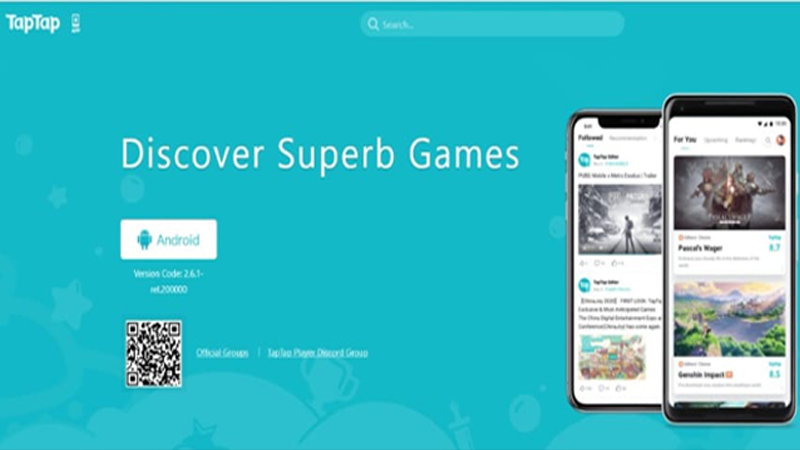
Step 2: Once the apk file is downloaded players are required to enable Install from unknown source option. (You can do so by following these steps: Settings > Safety and Privacy > Allow Installation from Unknown Sources.)
Step 3: Now locate and install the TapTap app. Open the app and search for PUBG Mobile Korea.
Step 4: Once the result appears on the screen hit download/update.
Also Read | Free Fire: Top 4 Trusted And Best Diamond Top-Up Centres
Congratulations to you! You can now experience the exclusive features of the PUBG Mobile KR update 2021.
Also Read | Free Fire Top Up Centre Games Kharido 2021: How To Get 100% Top Up Bonus Diamonds
Note: The extremely popular PlayerUnknown’s Battlegrounds (PUBG) Mobile application was one of 118 Chinese applications prohibited by the Indian government in September 2019 for national security reasons. To lift the ban, PUBG Corp has taken the decision not to permit the PUBG Mobile franchise to China’s Tencent Games in India.