
Apex Legends Mobile has recently been released in 10 countries. Players getting settled in the game have a lot of questions about it. One of these questions is how to change the profile picture in Apex Legends Mobile. Surprisingly, a lot of players seem to be facing difficulties with this task. In today’s article, we will explain how you can do this with your Google, Apple, or EA account. So, without further delay, let us dive right into it.
How To Change Profile Picture In Apex Legends Mobile?

Change Profile Picture Through Google
- Open Gmail.
- Go to Google Account by clicking on the Profile Picture in the upper right corner.
- Select the Personal Info option.
- Under Basic Info, you will see an option to change the Profile Photo.
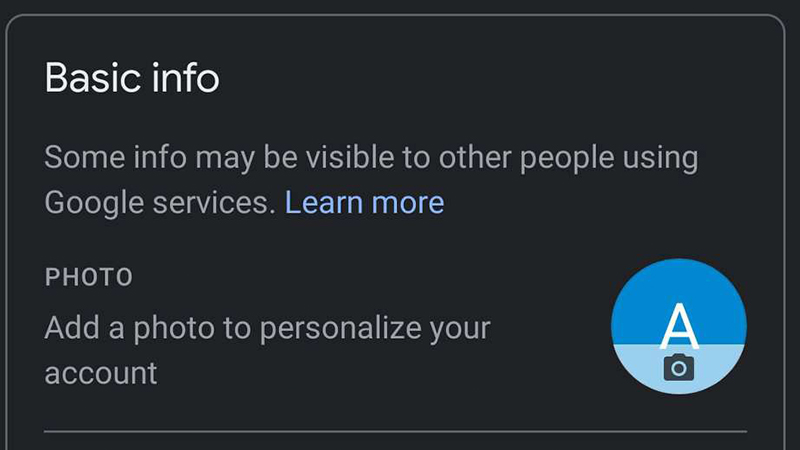
- Change it to the image you want to use for Apex Legends Mobile.
- Now, open Apex Legends Mobile.
- Go to the Settings and log out of the game.
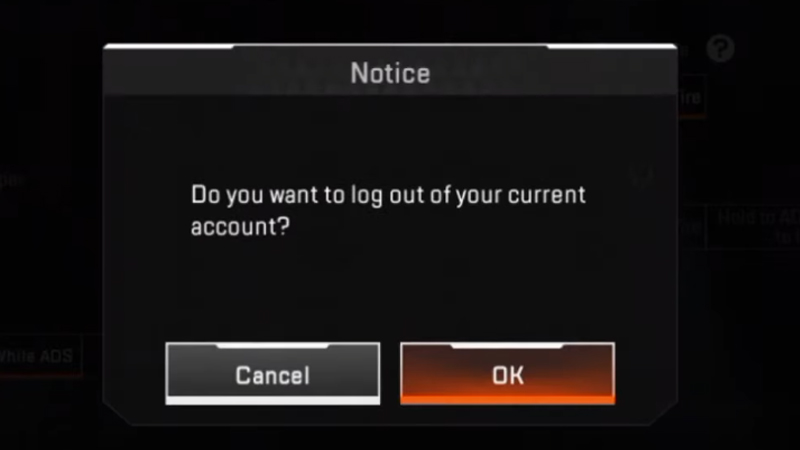
- Now, restart the game and log in to the game through your Google account again.
- After signing in, your profile picture would have changed.
Change Profile Picture Through EA Account
- Go to your account settings
- Click on your avatar
- Choose an image
- Upload the image
- Go to Apex Legends Mobile and sign out.
- Restart Apex Legends Mobile and log in again from the same account.
- Your profile picture should now be updated.
Change Profile Picture Through Apple Account
- Go to your Apple ID account.
- Navigate to settings.
- Click on the Apple ID Profile Picture.
- Change the profile picture to the one you want.
- Go to the game and sign out.
- Restart the game and sign in again. Your profile picture should now be changed.
This is how players can change their profile picture in Apex Legends Mobile. For more Apex Legends Mobile content, see Apex Legends Mobile APK And OBB Download Links