
Pokemon Unite does not show the team score in real time. This can be frustrating to players as it makes it quite difficult to understand whether your team is winning or losing a match. While it is currently not possible for you to check your team score during a match, there are a lot of ways to track your team’s progress during a match in Pokemon Unite.
How To Check Team Score In Pokemon Unite?
The breakdown of the team score can only be viewed at the end of the match on the results screen. However, there are a lot of ways to know if your team is doing well in a match. Let us take a look at them below.
Spectator Mode
You can see the total score of each team at the top of the screen when using Spectator mode. This is a great way to track the progress of your team during a match.
Goal Zones
You can also get an idea of the number of points the team has scored so far based on Goal Zones. The remaining points required to capture a Goal Zone are a good indicator of a team’s position in the match.
Read The Messages
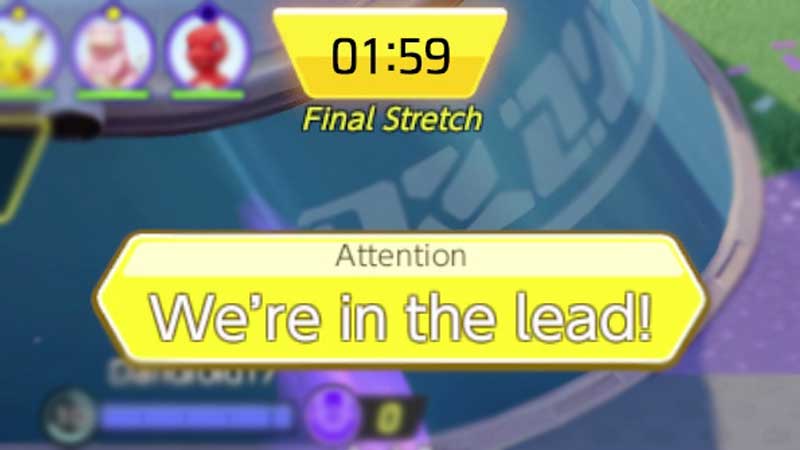
At various points in the match, you will see messages pop up that provide an indication as to how the match is going. Each message indicates a different situation in the game. You will receive a new message every minute of the match. Take a look below to better understand the team score in Pokemon Unite based on these messages.
- It’s a close battle! – This message is displayed when there is a 0-20 point gap
- We’re in the lead! – This message indicates that the team is 21-99 points in the lead
- We have a huge lead! – This message means that the team has a lead of 100 points or more
- We’re struggling to keep up! – This message pops up when the team is 21-99 points behind
- We’re REALLY struggling! – This means that the team is struggling and is behind by 100 points or more
This is how you can understand the team score in Pokemon Unite. For more Pokemon Unite guides, check out Currency And Farming Guide For Pokemon Unite.