
There are multiple errors that Xbox Series X users have to encounter on a daily basis. One of them is 0x80A4000A, which means that the connection was lost while trying to save your password. A lot of Xbox Series X users are struggling to fix error code 0x80A4000A in 2022 and if that’s you then look no further as we have a guide explaining multiple methods to get it fixed quickly.
Table of Contents
Xbox Series X Error 0x80A4000A Fix
Before we explain multiple methods to fix this Xbox Series X error, let me tell you that it usually occurs when you try to manage your Xbox Live account on the next-generation console. Whenever you face this issue, it indicates that the connection was lost while saving your password.
Here are a few simple ways to fix the 0x80A4000A error on Xbox Series X:
Method 1: Check the Xbox Live Server Status
Whenever you face error 0x80A4000A on Xbox Series X in 2022, the first and foremost thing that you should do is check out the server status of Xbox Live. If you don’t know how it is done then follow the steps written below:
- Open any search browser on your console or PC.
- Visit the Xbox live server status homepage.
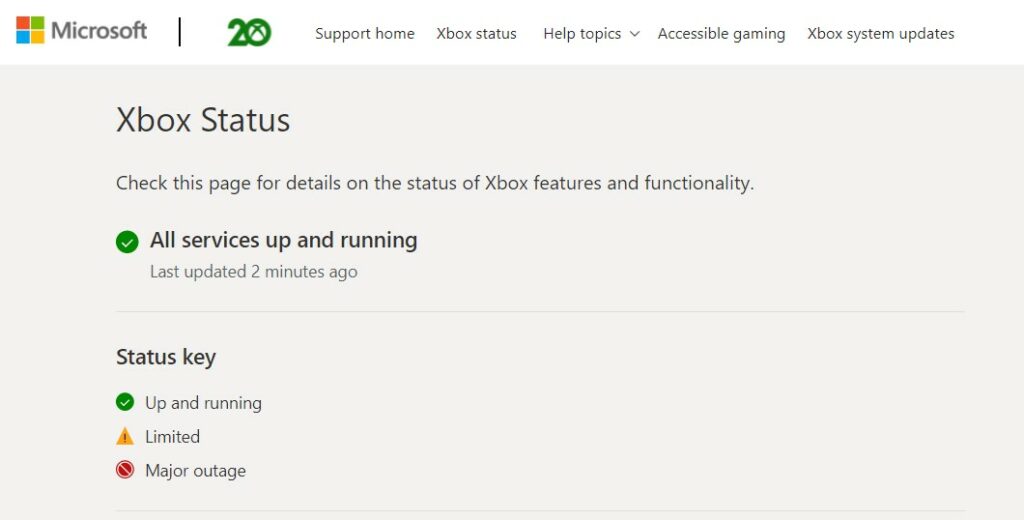
- There, you will be able to see the live status of the Xbox server.
- If the servers of Xbox are down then it could be the reason behind the 0x80A4000A error.
- The issue will automatically be fixed once the servers of Xbox are up.
Method 2: Check Internet Connection
The second reason that could cause error code 0x80A4000A on Xbox Series X is your weak internet connection. If you don’t know how it is done then follow the steps written below:
- Press the Xbox button on your controller.
- Select Profile & System
- Select Settings and then General.
- Select General and then Network Settings.
- Choose Test network connection.
- If your Xbox is connected to the internet, you will get a message that says ‘It’s all good.
Method 3: Power Cycle Your Console
The third and last method to fix the error code 0x80A4000A on Xbox Series X requires users to power cycle their console. To know how to power cycle Xbox console, follow the steps written below:
- Disconnect your console from Xbox Live.
- Power Cycle your console
- Reconnect your console from Xbox Live
- Sign in to Xbox Live and see if the error remains.
These were a few methods that can be used to fix the error code 0x80A4000A on Xbox Series X in 2022. As soon as come across more solutions, we will update this post.